Signals without context
Measurements become harder to trust when they are disconnected from the asset model, location, and sensor metadata.
Predictive asset intelligence
SentinelEye helps maintenance and operations teams build a digital twin view of monitored assets by connecting equipment structure, sensor mappings, live readings, alerts, and predictive reports.
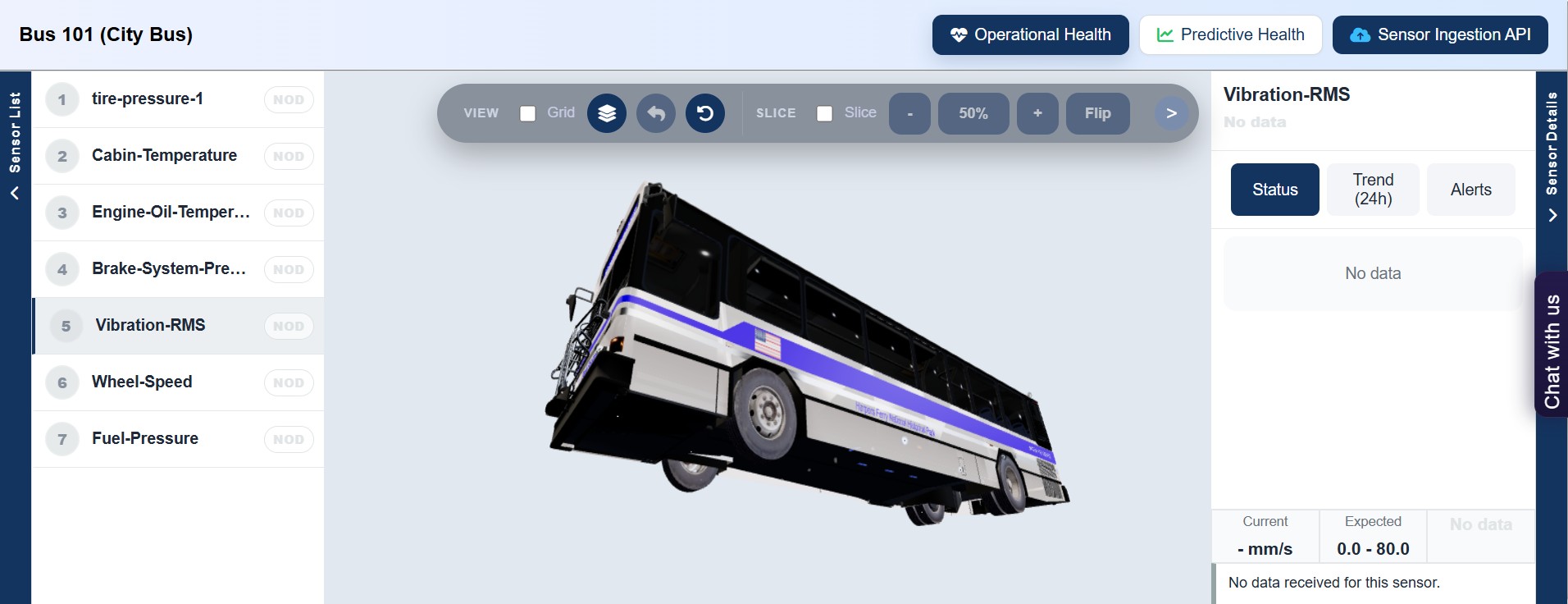
Track equipment, sensor types, instances, and incoming measurements through a connected asset model.
Surface anomalies, warning conditions, and signals that need engineering attention.
Convert asset context and predictive findings into usable reports for decision makers.
Sensor readings are collected, but maintenance teams often lack a shared digital twin that shows asset structure, sensor position, alert history, and operational context together.
Measurements become harder to trust when they are disconnected from the asset model, location, and sensor metadata.
Potential failures can stay hidden until trends, alerts, and operating history are reviewed together.
Teams spend too much time assembling evidence instead of inspecting the digital twin and acting on asset condition.
How SentinelEye works
SentinelEye connects asset structure, sensor readings, alerts, and reports so teams can move from observation to response.
Map equipment, components, sensors, and expected signal ranges into a digital representation of the monitored asset.
Bring operating data into a structured workspace where signals are attached to the right point in the digital twin.
Review abnormal readings, trends, and alerts before they turn into unexpected downtime.
Summarize asset state, findings, and next actions in a format teams can review and share.
Platform views
SentinelEye is designed around repeated inspection of asset structure, sensor state, alerts, and reports rather than a generic analytics page.
Platform features
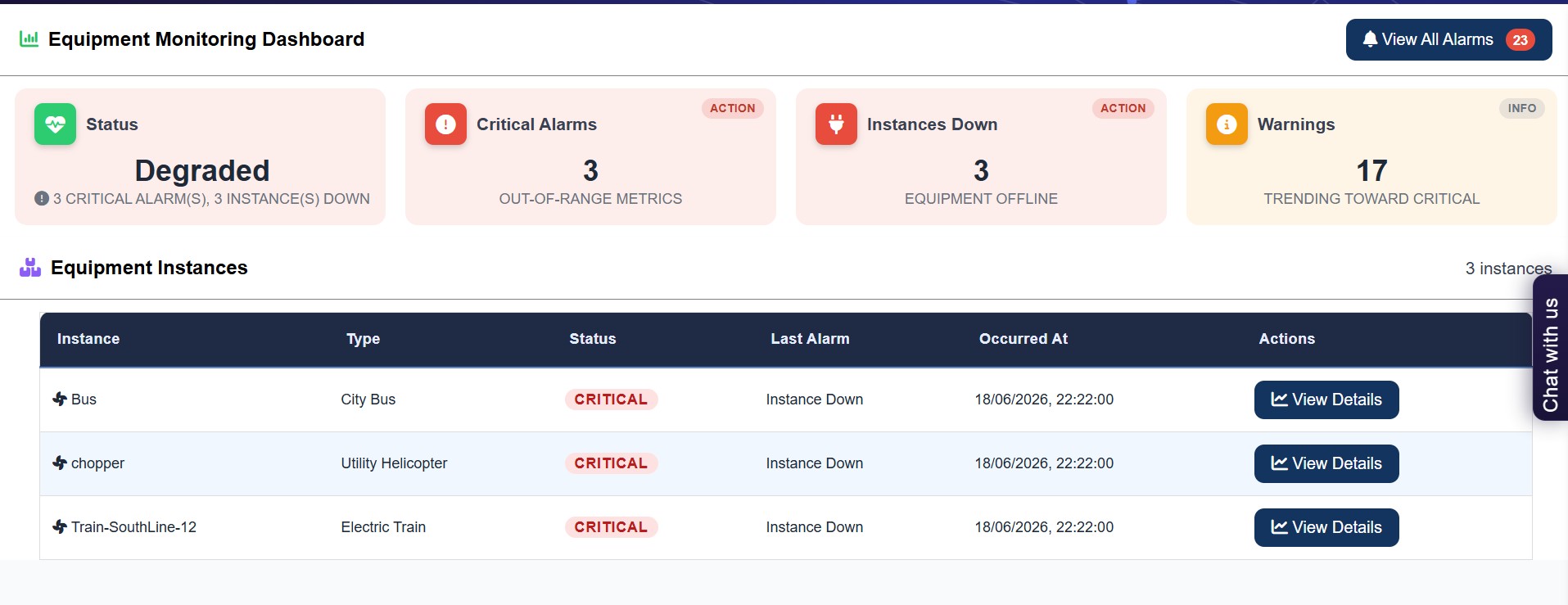
Connect the physical asset, sensor locations, readings, and maintenance context into one inspectable operating model.
Track abnormal signals and warning conditions in a workflow built for maintenance response.
Create structured summaries that explain asset condition, observations, and recommended follow-up.
Attach sensors to the right asset, component, and location so every reading has a clear operational owner.
Compare readings and changes over time to understand whether asset behavior is stable or drifting.
Use the workspace context to ask operational questions and move faster through asset review.
For operations teams
SentinelEye gives engineering, maintenance, and operations teams a digital twin view of monitored assets, helping them understand not just what changed, but where it changed and why it matters.
Team experience
The team enters the protected SentinelEye app and starts from the digital twin, asset, or sensor area they need to inspect.
Readings, ranges, and warning states are reviewed against the asset model instead of across disconnected screens.
Findings can be translated into reports and follow-up decisions for maintenance planning.
FAQ
Give teams a clearer view of asset state, warning signs, and maintenance priorities.